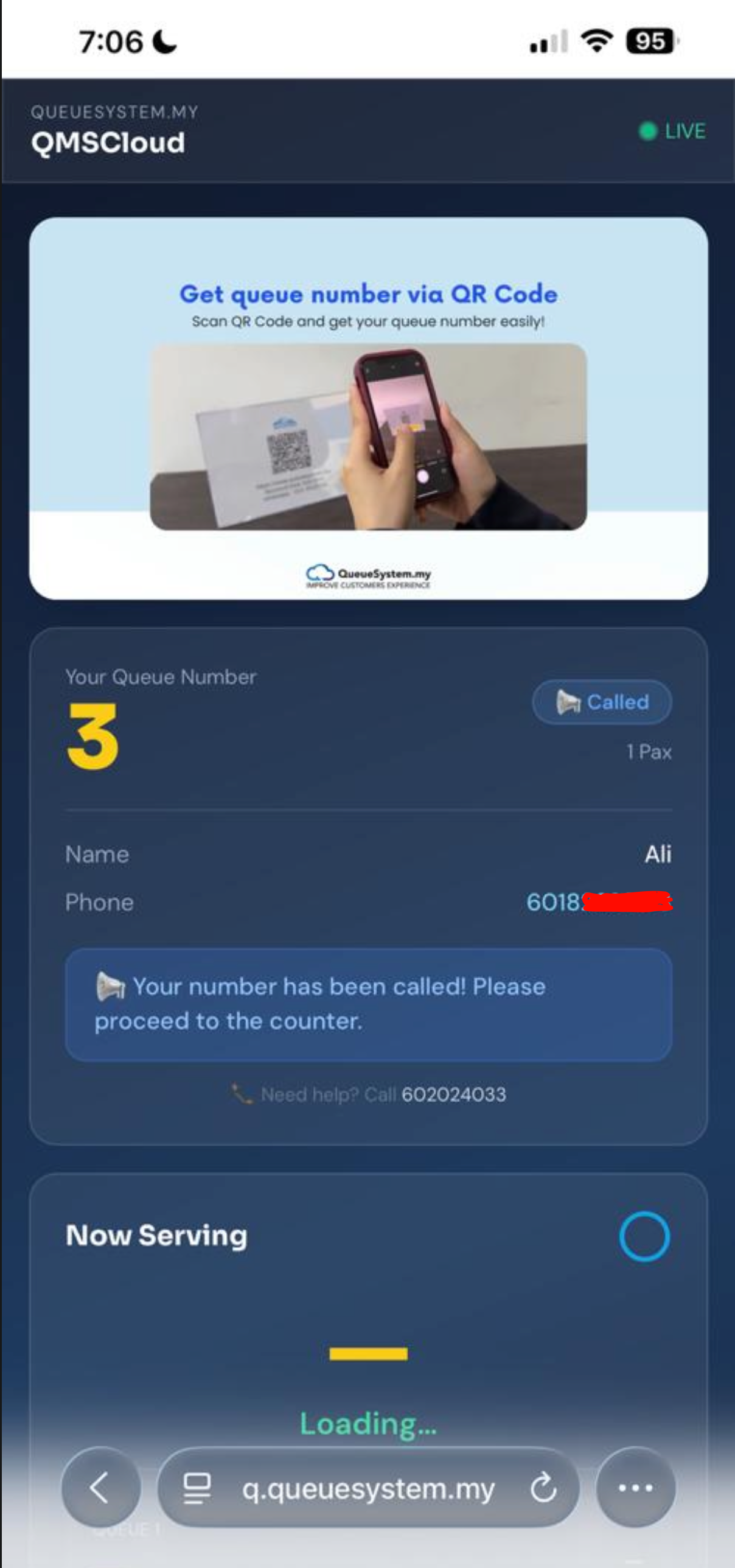
5 Steps to Experience Cloud QMS
Use your own phone — takes less than 2 minutes. Follow each step below exactly as a real customer would.
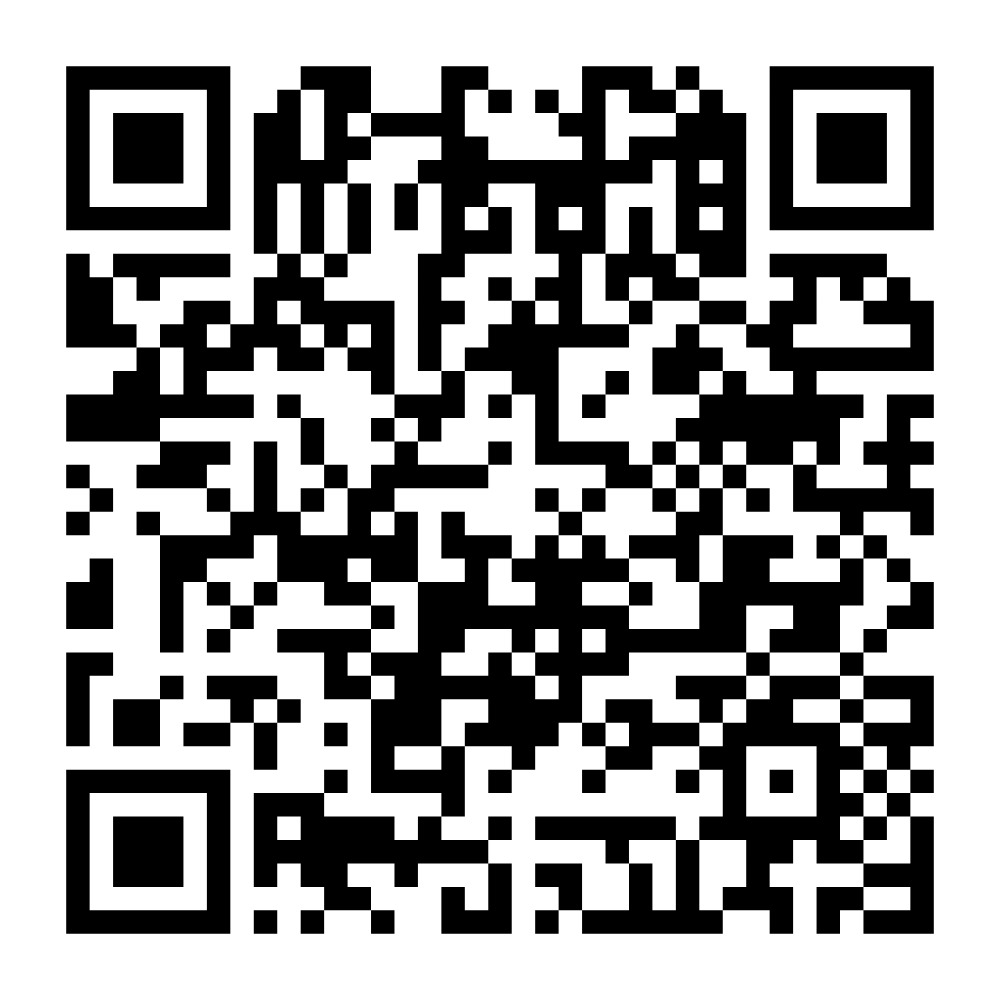
Scan This QR Code with Your Phone
Open your phone's camera app and point it at the QR code below. A link will appear — tap it to open the live demo queue page. No app download required.
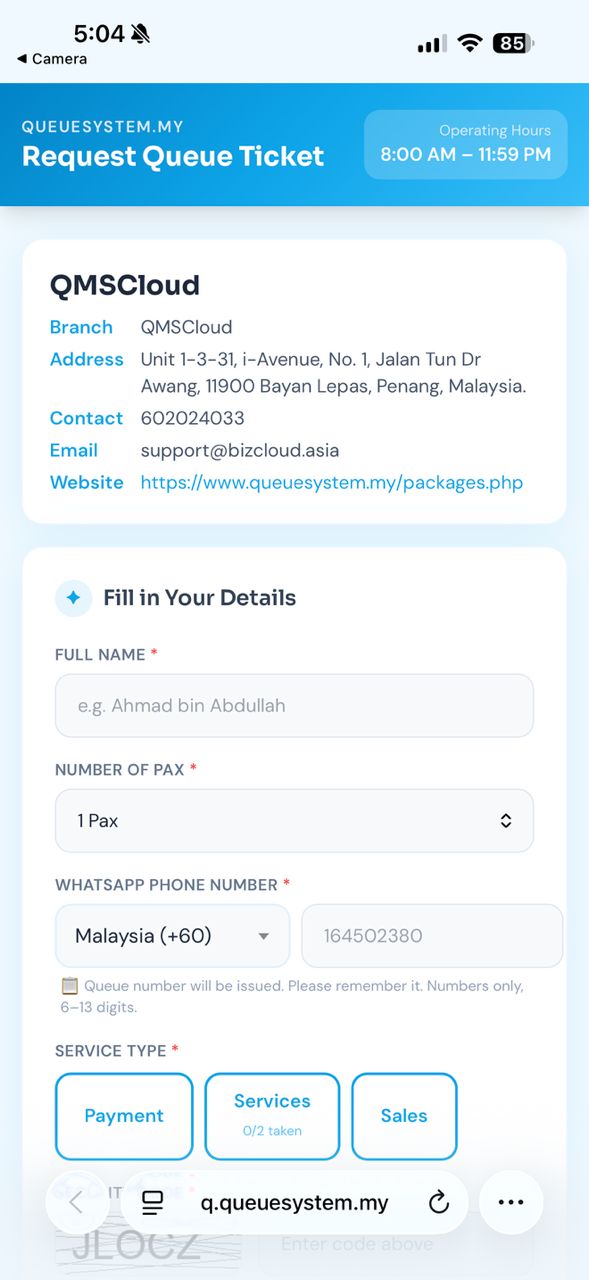
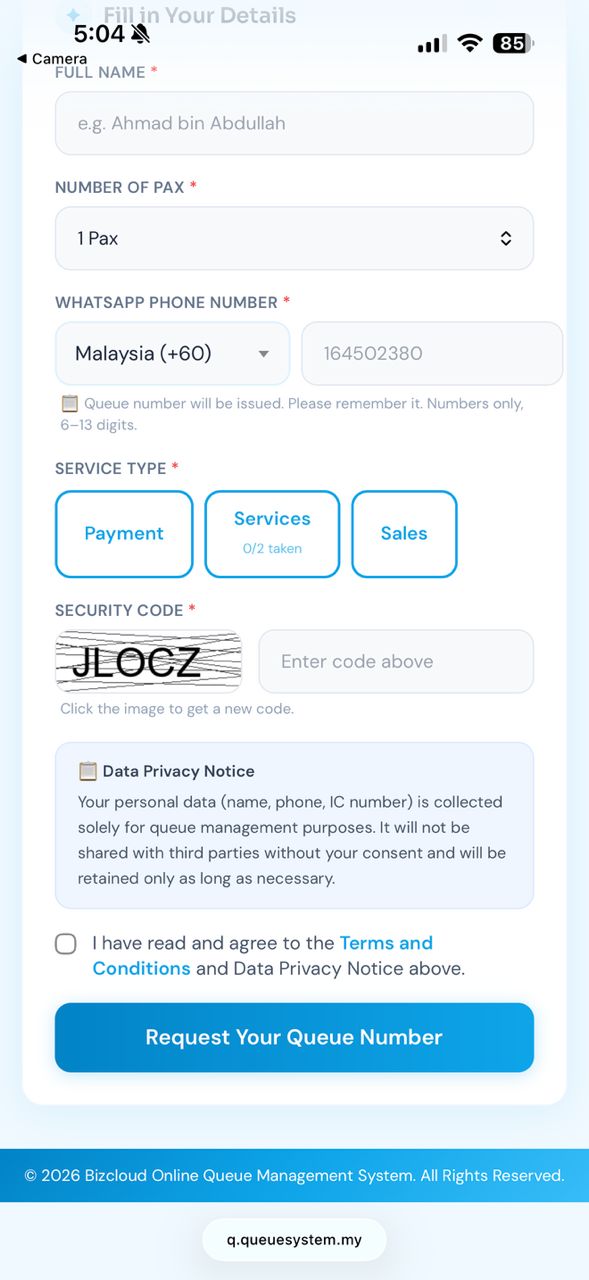
Fill in Your Details & Submit
The Queue Request page opens in your browser. Enter your name, select pax count, choose a service type, solve the security code, then tap Submit.
Your Queue Number Is Confirmed
After submitting, a confirmation page shows your queue number. Your place is secured — in a real deployment, customers wait in the room and watch the TV display for their number to be called.
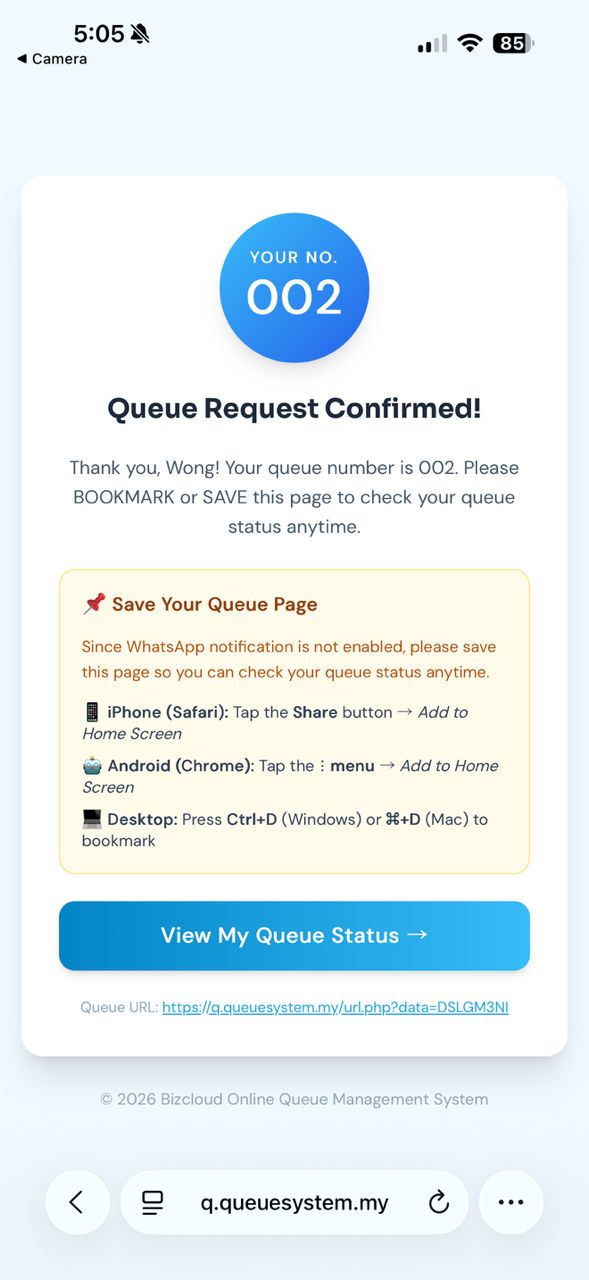
Check Your Queue Status Anytime
Tap "View My Queue" on the confirmation page to see your current position and which number is now serving. The status updates live — no need to stand at the counter watching.
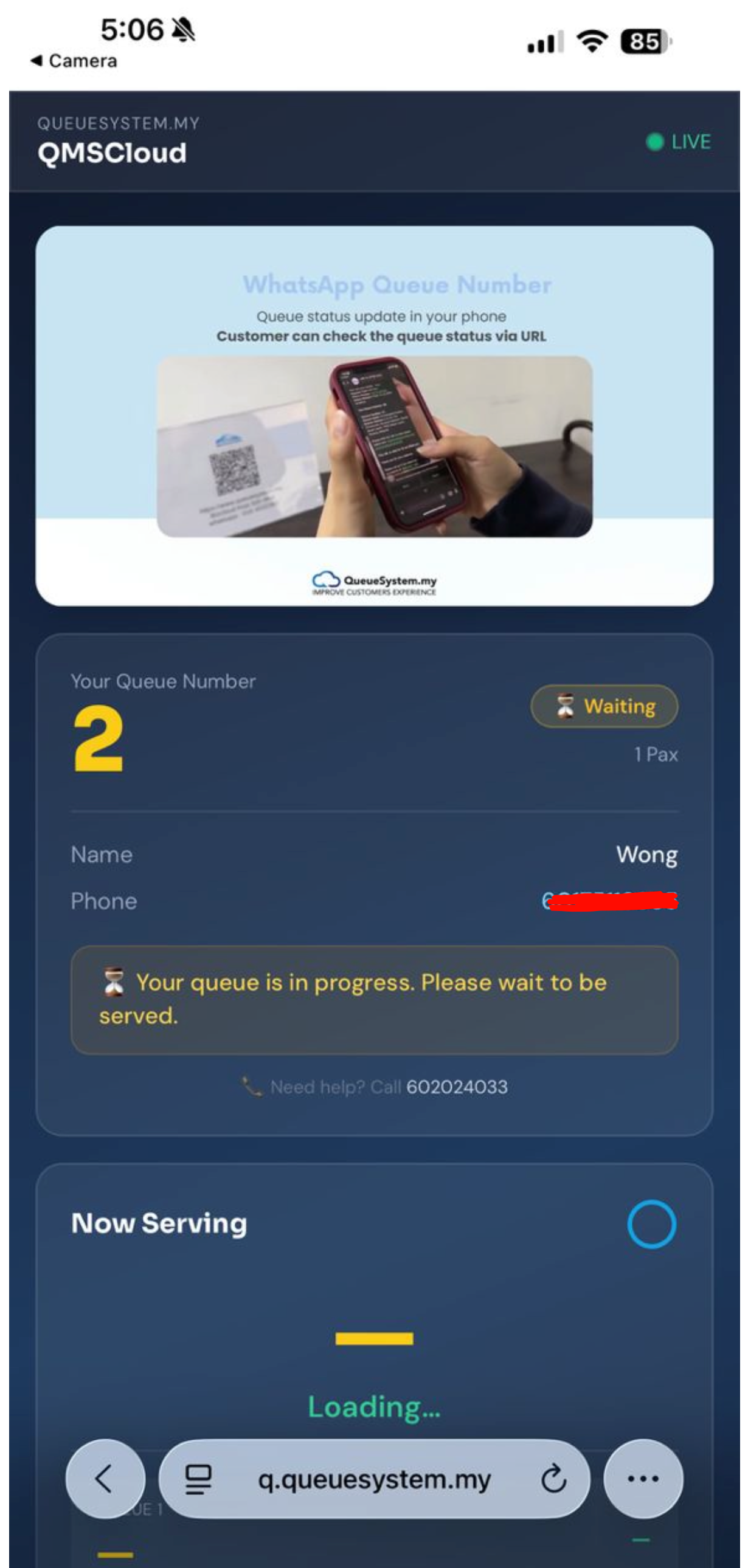
🤖 Demo: Auto-Call Active — Watch Your Status Change!
Your queue number will be automatically called by the demo system — watch this page refresh and your status change to "Called". In production, counter staff press NEXT in the admin portal to call each customer manually.
Your Number Appears on the TV Display
When counter staff press NEXT, your queue number immediately appears on the TV display screen with your counter number and a sound alert. Your status on this page updates to "Called" — proceed to the counter now.